Back to Tools
BubbleBeats
ReactVideo ProductionWeb App
Overview
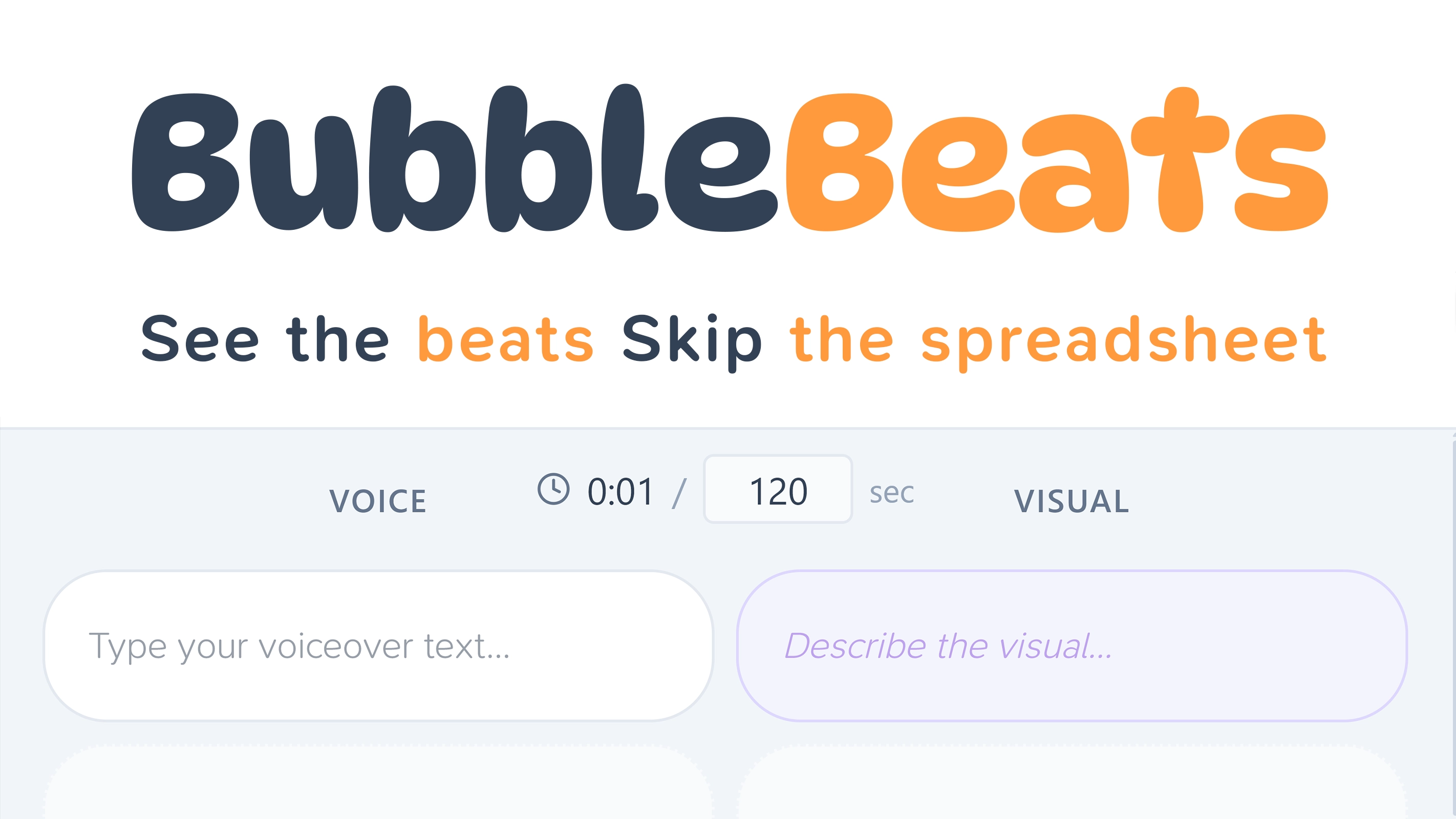
BubbleBeats is a script timing editor built for video creators. It uses a two-column bubble layout — voice on the left, visuals on the right — where each bubble’s height represents its duration. You see the pacing of your script at a glance.
Features
- Two-column timeline — Voiceover and visual descriptions side by side, always in sync
- Bubble = duration — Height scales proportionally to time, so you can spot pacing issues instantly
- Split & merge — Ctrl+click to split a bubble at cursor position, merge bubbles back together
- Filler bubbles — Insert pauses and transitions with adjustable duration
- Image support — Drag and drop reference images into visual bubbles
- Import/Export — Markdown and JSON formats for backup and sharing
- Multi-file — Work on up to 5 scripts, auto-saved and auto-titled
- Timing engine — Word count-based duration (150 WPM), with over-budget warnings
How It Works
Write your voiceover script, and BubbleBeats automatically calculates timing from word count. Split long passages into segments, add pauses where you need them, and drop in visual references. The bubble height always reflects real duration, so your timeline is a living map of your video’s rhythm.
Built With
React 19, Tailwind CSS, Convex (real-time backend), and Clerk authentication. Runs entirely in the browser — no downloads, no installs.
Questions or suggestions?
Have questions about this tool or want to suggest improvements?
Get in Touch